
Welcome to GraydonCreditsafe!
GraydonCreditsafe gives you access to business information and solutions that help you make well-informed business decisions. Whether you want to check a customer’s creditworthiness, monitor business risks or discover new business opportunities, GraydonCreditsafe is here to help.
In this article, you’ll find out how to get started with the GraydonCreditsafe platform.
Step 1: Log in to your account
To use GraydonCreditsafe, you’ll need a personal user account.
1. Go to the GraydonCreditsafe login page
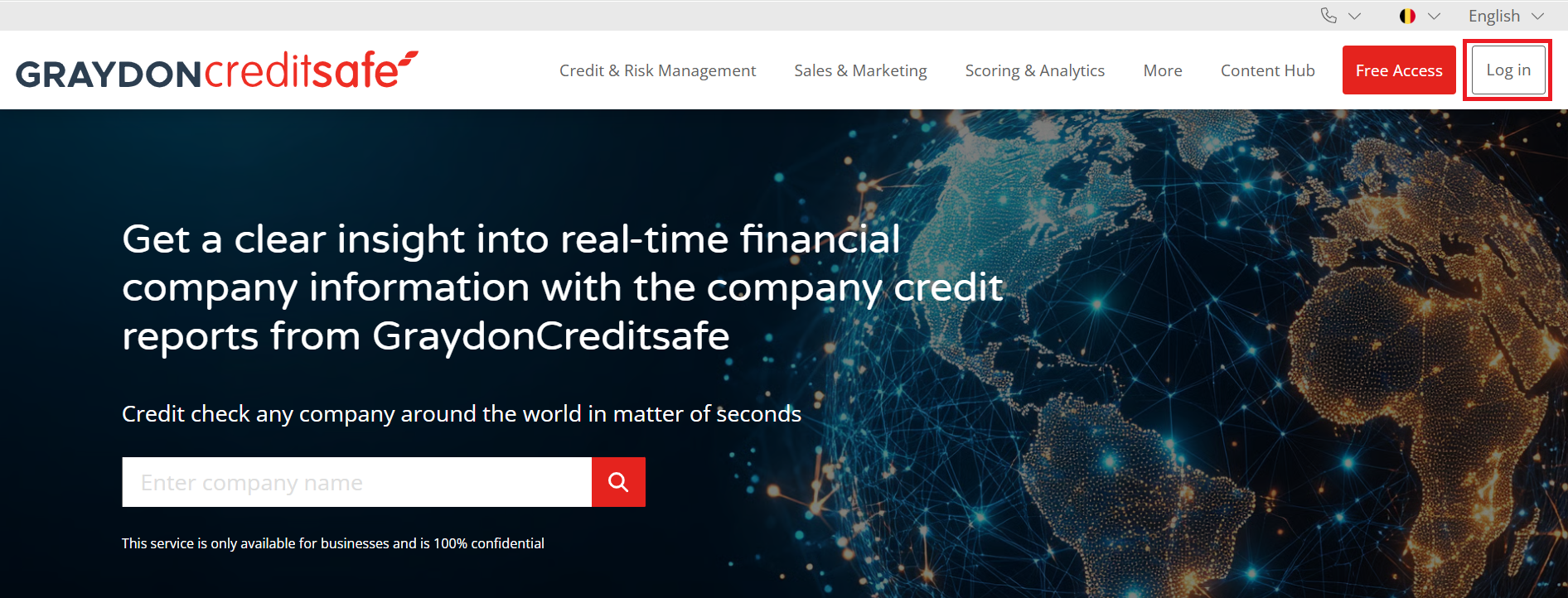
2. Enter your username and password. Your username is your email address
3. Click on Log in
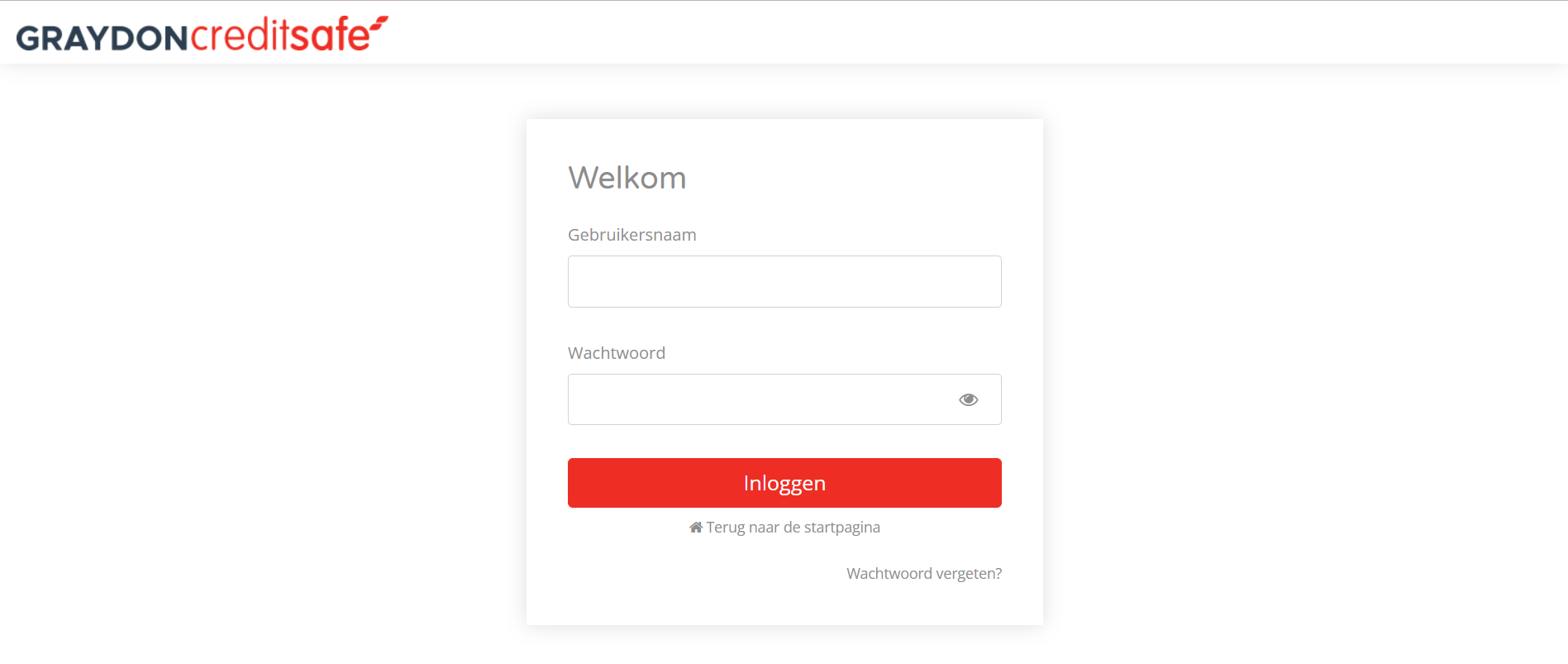
Once you have successfully logged in, you will have access to the products you are authorised to use.
Please note: If your organisation uses Single Sign-On (SSO), the login procedure may differ. In that case, please follow your organisation’s instructions.
Step 2: Explore your products
GraydonCreditsafe offers various solutions for business information, credit risk management, monitoring, compliance and prospecting. Which products you can use depends on your organisation’s subscription and your personal access rights.
Further information: Overview of GraydonCreditsafe products
Step 3: Manage your account
Using the account management features, you can, depending on your user role, view information about your account and manage certain settings.
Are you an Account Owner or do you have administrator rights? If so, you may also be able to manage users, access rights and product groups.
Further information:
Step 4: Need help?
Are you having trouble with something? You’ll find answers to frequently asked questions and practical guides in our Knowledge Base.
Can’t find the answer? Please contact GraydonCreditsafe Support at support@graydoncreditsafe.be.
Further information: Where can I find help and support?